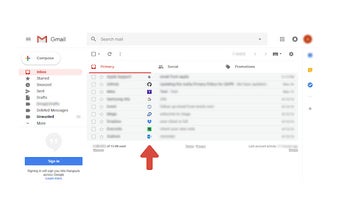
Sender Icons for All Emails in your Gmail
Sender Icons for Gmail™ is a utility that lets you add an icon next to the subject of each email in the Gmail inbox. Each email is represented by a unique icon that can be set on any icon theme you like.
Sender Icons for Gmail™ is based on the idea of the sender icon addon for Chrome that allows users to view and manage their emails in the Gmail web interface. It was created to provide a solution for people who like using the Google Chrome browser and want to have an icon next to the email subject in the Gmail inbox. It can also work with any email client that supports them.
How does it work?
The Sender Icons for Gmail™ addon works as a browser extension. It has a web interface where you can view all the emails in your inbox. The web interface is used for managing the emails. It has a button that will let you see the current icon of the email and will allow you to change it if needed.
When you add the addon to your browser, it will add a button next to the subject. The button has a drop-down menu where you can choose an icon to represent the sender of the email.
You will also be able to create your own email icons using the Sender Icons for Gmail™ utility.